Keep track of everything—anytime, anywhere.
docu tools simplifies digital construction documentation: plans are always up to date, tasks are traceable, and everyone involved is working from the same information. Less effort, more efficiency—developed directly from practical experience.
Projects
Document your projects throughout the entire building cycle. Our logical folder structure allows you to manage multiple projects in parallel without losing track.
Our project roles allow you to regulate access to your project information easily and transparently. Whether you are an administrator with full access and administrative functions or a user who only sees a small part of the project, our flexible and easy-to-implement solution allows you to manage internal and external responsibilities with ease.
The 5 roles in docu tools
docu tools simplifies collaboration between all parties involved. Digital and transparently traceable. Predefined tasks can be assigned to internal users or external subcontractors. Different roles and permissions have been defined to better meet individual needs. This allows you to put together your team according to your preferences and project requirements.

Download now
and build better!
Everything according to plan
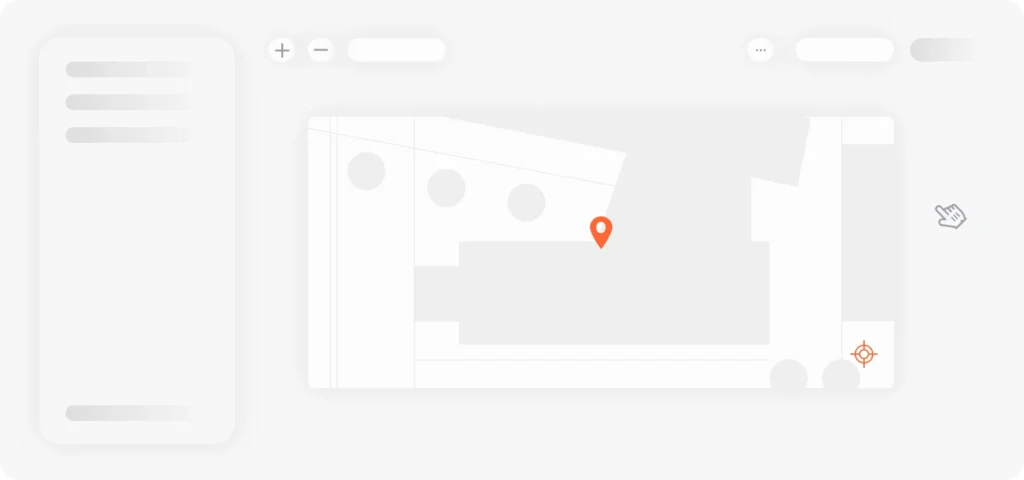
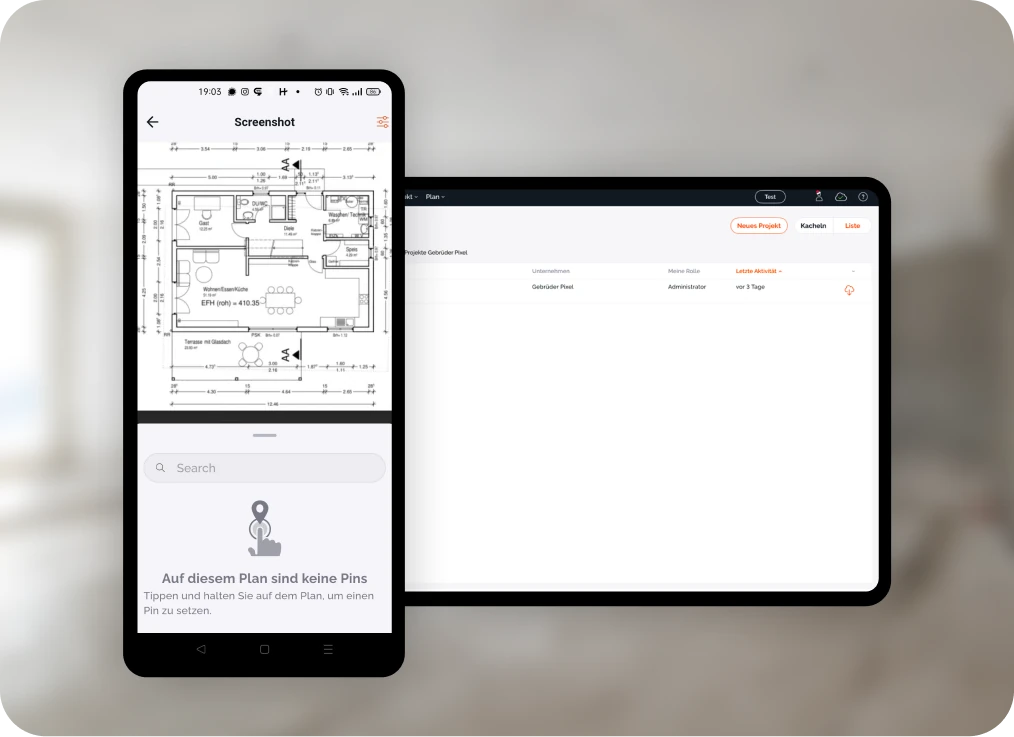
Plans are the foundation of your project. Not only in real life, but also digitally in our app. With our tool, you always have them at your fingertips, even without internet access, right in your pocket.
There are numerous ways to map out your project and define exactly what you want to include in your plan. Our simple folder structure allows you to logically store your plans throughout the entire building cycle.

24/7 online and offline
From the office straight to the construction site—accessible in just a few seconds. With our offline version, you can access and edit your plans even without an internet connection. This means you won't be affected by reception problems.

Everything can be a plan
We do not differentiate between construction plans and photos. This functionality opens up completely new possibilities for you and helps you to easily use floor plans, facade plans, foreman's plans, installation plans, or site plans. No matter what perspective or size. Always according to the same principle.

Quickly available
The plans can be uploaded as .pdf, .jpg, .webp, and .png files. For an optimal workflow, we convert your plans to .jpg format. This reduces the loading time by 99% and makes the file immediately accessible. When the file is exported, it is automatically converted back to its original format.

Working with versions
Plans and circumstances change, especially in the early stages of a project. We offer a revision function so that the work you have already done can still be used. New plans can be easily uploaded and replace the existing plan—at the touch of a button.
Transparently documented
To ensure traceable documentation, there are numerous security features related to our plans. There is also the option of reverting from plan version #8 back to plan version #7.
- version history
- change history
- creation date
- Responsible person
- Notification of new plans
- No delete function
Just share
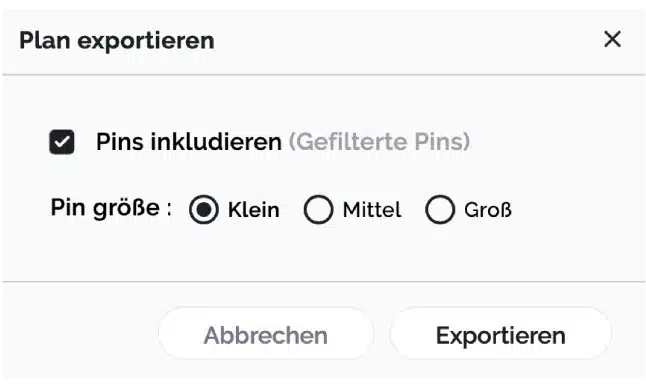
The plan export function combines the basic plan with all your tasks, information, documents, and image material, thus serving as a repository or basis for meetings. As a project template, your showcase project can also be used as a basis for many other projects.
Plans in practice
To give you a better insight into everyday life with docu tools, we have compiled a few use cases from our customers here:
Pins & Tasks
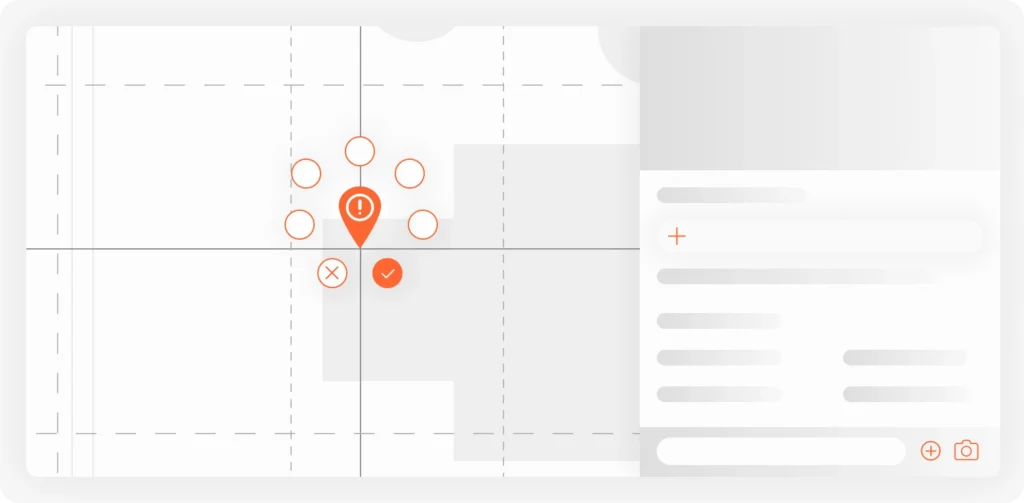
At docu tools, everything revolves around the pin. This serves as an anchor and is responsible for locating items on your plan. Pins open up numerous possibilities for documentation and collaboration. Once a pin has been set, it can be assigned a title, description, and numerous media files. The task function in particular is a helpful tool for digital collaboration within the project.
Variety of pin icons and task indicators
Pins play a crucial role in docu tools and can be easily distinguished not only by their color, which corresponds to the selected category, but also by their icons.
The progress of tasks on a pin results in different symbols and indicators. Here is an excerpt of the possible pin icons:

Pin without tasks

Pin with one or more open tasks

Pin with an overdue task

Pin with a rejected task

All tasks from the pin are marked as completed.
Pin is inactive

Pin is closed

Versatile
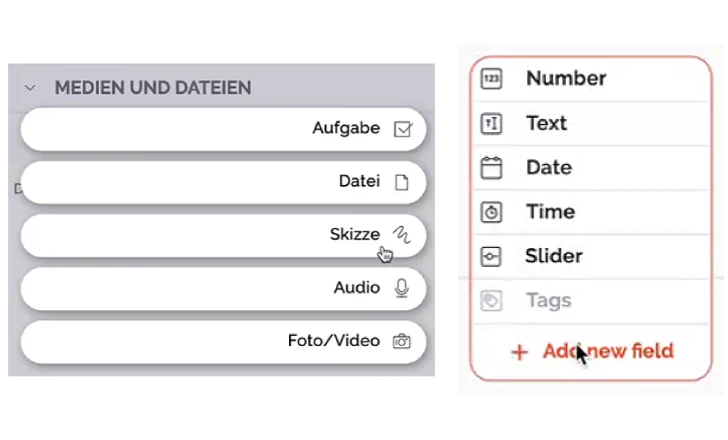
To ensure comprehensive documentation, sketches, voice memos, files, photos, videos, or user-defined fields can also be added to the pin. Our pins adapt flexibly to your requirements.

tasks
The previously defined tasks can be assigned a due date and assigned to the responsible persons. Multiple tasks can be created per pin. Changes are automatically communicated via push notification.

On the safe side
In order to incorporate some security features here as well, previously set pins cannot be deleted. Nevertheless, unnecessary pins can be deactivated. The pin protocol also provides a comprehensive overview of the changes within the pin.

Custom
With our custom fields, you can add extra features and relevant data to your pin (e.g., number, date, time, slider, etc.). Using our tags, you can quickly and easily filter different pins throughout your project. All of these entries can then be output as a report at the touch of a button.

suggestions
To enable efficient working, we have also equipped our fields with suggestion functions. Frequently used titles or texts are automatically suggested under "recently used texts" and can be inserted with just one click. This not only allows you to work faster, but also ensures consistent communication and titling. The pin template is also a helpful tool in this regard.
Pins in practice
To give you a better insight into everyday life with docu tools, we have compiled a few use cases from our customers here:
Custom pin fields in practice
Download now
and build better!
tasks
Our pins are the starting point for comprehensive task management. The pins you set can be assigned numerous tasks, which not only have different content but can also be assigned to different people.
notifications
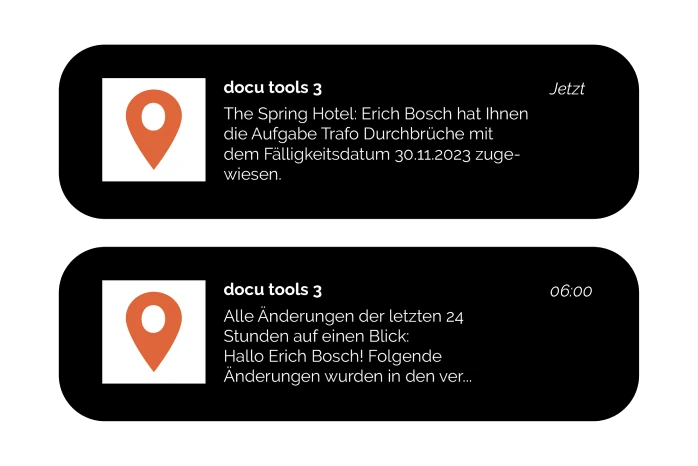
The notification feature keeps you up to date at all times. Whether there are changes to tasks, new plans, or other updates.
You can choose between different time periods. Our "Regular" setting is particularly popular, sending a summary of the last 24 hours by email before the start of work.
External tasks
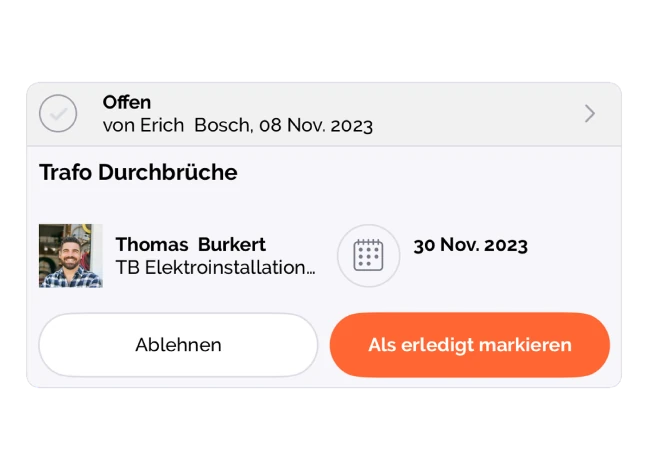
This feature is particularly relevant for the free subcontractor function. Invited individuals can only see their assigned tasks. To enable offline work, these open pins can be exported as a report. Once completed, they can then be added to docu tools by the responsible persons.
The digital version also offers the option of adding photos as proof that the task has been completed.
mass processing
We have introduced the group function so that similar pins (including tasks) can be combined without changing their location. This not only provides an overview of related pins and their tasks, but also offers a mass processing function. The following example illustrates this function:
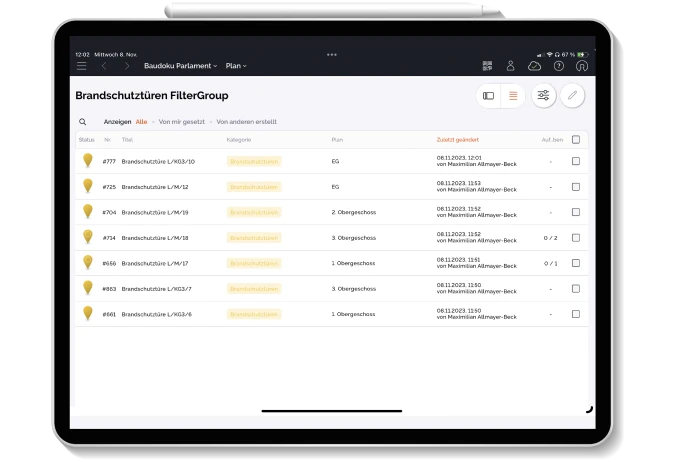
The fire safety coordinator opens the floor plan of the building and filters it according to the "fire alarm" pins located on it. At a glance, they can see how many fire alarms are in the building and where they are located. Using bulk processing, they can assign all these pins a new task, "Check fire alarm," with the desired due date and responsible person. It's quick and easy, without forgetting a single fire alarm.
Reports
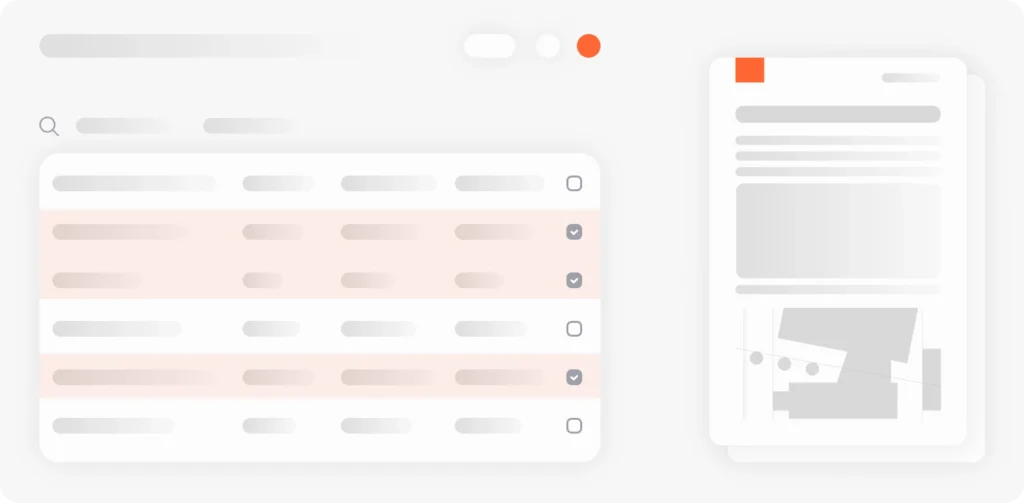
The docu tools reporting system based on MS Word or Excel adapts flexibly to your daily requirements. Existing templates can continue to be used without having to laboriously recreate them in the system. This not only allows you to ensure consistent documentation, but also to export reports in your desired design.
Flexibly adaptable
The docu tools reporting system is based on placeholders, which can then be loaded as desired and finally exported as a report. All fields (including user-defined fields) that you fill in the docu tools software can be read and exported for your report. You can also create a custom title page and table of contents. Reports can be output not only as PDF* files, but also in other languages, allowing you to easily overcome language barriers.
*Only possible for Word templates
Just share
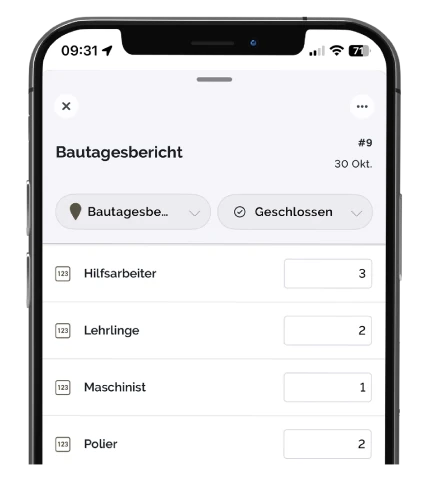
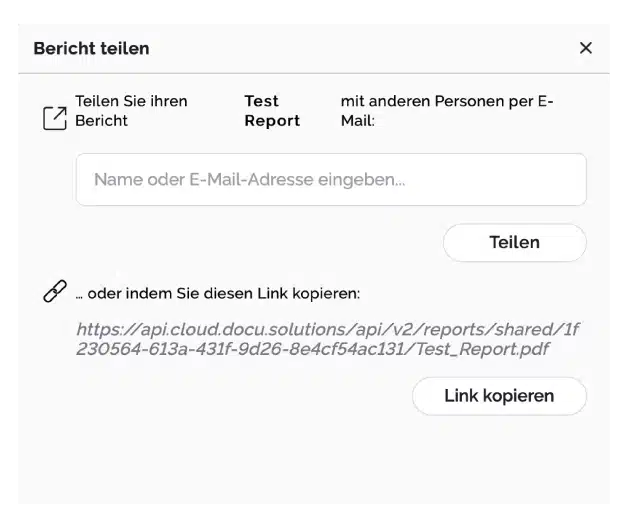
The integrated sharing function allows you to quickly distribute your documentation via email or link, even to external colleagues. Digital signing directly on the tablet enables straightforward processing without the need for paper.
Reports in practice
To give you a better insight into everyday life with docu tools, we have collected a few examples from our customers here:
Defect report according to VOB
acceptance report
damage report
Fire safety inspection report (
)
construction log
inspection report
meeting minutes
(Technical) performance assessment
photo documentation
Download now
and build better!
Collaboration
docu tools simplifies collaboration between all parties involved. Digital and transparently traceable. Predefined tasks can be assigned to internal users or external subcontractors. Different roles and permissions have been defined to better meet individual needs. This allows you to put together your team according to your preferences and project requirements.
We know that reality does not only take place digitally.
That's precisely why we've integrated hybrid functionality into our software, which optimally connects the analog and digital worlds, thereby simplifying things for everyone involved. Even for project participants without a docu tools license or access.
Individuals without docu tools access or their own email address
-

Set pin on plan
-

set tasks
-

Assign tasks to the project team
-

Export and print tasks as a report
-
External editing tasks
-
Report completion
-
Internal users set tasks as "completed"
-
Notification Check task
Individuals with their own email address
-
Set pin on plan
-
set tasks
-
Assign tasks to the project team
-
Task is being processed
-
Set task to "done"
-
Notification Check task
Optimal hardware
Working with members, teams, and contacts. For people who don't have an email address but still need to be assigned tasks, there's the contact feature. These people can be added to the system and get the assigned tasks as a printed report to work on. This has turned out to be a super useful workaround for outside companies. docu tools can handle a hybrid way of working.
We have tested dozens of devices and platforms for optimal performance, and we can recommend the following with a clear conscience:

high internal storage capacity

fast processors

good cameras
Tablets
For optimal use of our app, we recommend the following tablets:
- iPad (standard model) – the ideal all-rounder for everyday use on the construction site
- iPad Pro and iPad mini – for anyone who needs more power or a flash feature
- Samsung Galaxy Tab S – powerful Android alternative
Smartphone
For optimal use of our app, we recommend the following smartphones:
- iPhone (latest generation and max. two previous versions)
- Samsung flagship models
- Nothing Phone

All devices should always be used with the latest version of the operating system. Sufficient memory must be available for the docu tools app to work in offline mode. We therefore recommend devices with at least 128 GB of internal storage space.
Platforms and safe working practices
iPad
iPhone
Tablet
Smartphone

Surface
Your data is protected by industry-leading security measures at Google. Since docu tools is a cloud-based tool, files do not need to be stored locally. This minimizes the security risk for your devices.

All data backed up with AWS
Frankfurt region only

GDPR compliant
Download now
and build better!
Get started right away with templates
You can choose from a wide range of professional templates, such as for overviews or project plans. This makes it easier to get started.
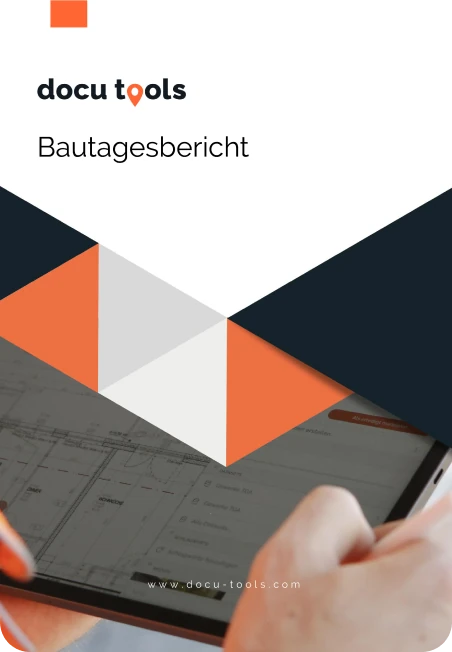
construction log
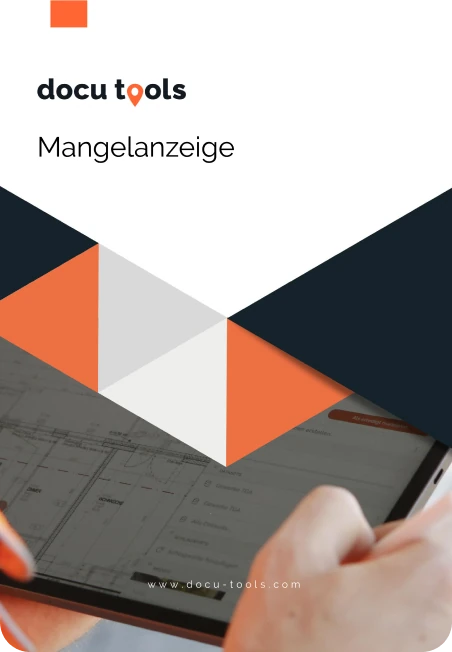
deficiency notice