When Capmo Is the Right Choice—and When Docu Tools Is a Better Fit
If you're looking for an alternative to Capmo for construction documentation, you've come to the right place.
Both docu tools and Capmo support construction site teams with digital documentation and task management—but they take different product approaches. This article objectively describes the key differences so you can decide for yourself which tool better suits your needs.
What is Capmo?
According to its website, Capmo describes itself as the “No. 1 construction project management software for the D-A-CH region.” The platform covers the entire construction process: ticket system, plans, construction log, meetings, construction schedule, change orders, BIM, and document management. In addition, Capmo offers AI-powered features for document search and automated reporting.
According to its own positioning, Capmo is primarily aimed at construction and project managers in the DACH region.
Source: capmo.com, May 2026. For current pricing information, we recommend visiting capmo.com directly.
What is docu tools?
docu tools focuses on a clearly defined area of the construction process: defect management, task management, and photographic documentation during the construction phase.
Seven Differences in Detail
Capmo offers features that docu tools does not offer:
- Digital Construction Scheduling and Deadline Management*
- BIM Viewer**
- Plan Review Runs and Approval Workflows***
Capmo is well-suited for teams that want to manage scheduling, change order management, and project-wide communication on a single platform, in addition to documentation and defect management.
*Source: support.capmo.com/construction-schedule
**Source: support.capmo.com/plan-management-bim
Source: support.capmo.com/the-new-schedule-management-in-capmo
Capmo
- Task Assignment*
According to Capmo's own support documentation, a single person from the project team can be assigned as the responsible person for a ticket. Additionally, a responsible company can be specified. - Ticket Fields and Structure*
According to the support documentation, the Capmo ticket system offers the following fields: Type, Category, Status, Deadline, Company, Assignee, and Keywords. - Plan Management and Revisions**
According to Capmo’s support documentation, only single-page plans may be uploaded, as multi-page plans are not technically supported. When updating a plan, the file format must remain consistent to preserve existing ticket assignments. It is not possible to rotate a plan after it has been uploaded. - Visual Plan Navigation**
In Capmo, tickets are displayed as pins on the plan. The plan filter allows you to view tickets by type, category, status, deadline, assignee, and other attributes. - 360° Photo Documentation
360° photos are not listed as a supported feature in the Capmo support documentation. - Data Management & Deletion*
Capmo automatically logs changes to tickets in the ticket history. - Multilingualism
According to its own positioning, Capmo focuses primarily on the German-speaking DACH market.
*Source: support.capmo.com/tickets-in-capmo-sinnvoll-nutzen, May 2026
**Source: support.capmo.com/the-new-plan-management-in-capmo, May 2026
documentation tools
- Assigning Tasks in
In docu tools, you can assign tasks to individual users, external contacts without docu tools access, or entire teams. docu tools also distinguishes between pins (markers on the map) and tasks: A pin can contain multiple tasks, which helps maintain a clear overview of complex locations on the map.
Fields and Structure docu tools allows for fully customizable fields for each category: numbers (currency, percentages, units), text, sliders, tags, date, time, and lists. Fields can be assigned to specific categories so that the correct field always appears for the appropriate category. All fields can also be displayed anywhere in reports.- Drawing Management and Revisions
docu tools supports multi-page PDFs with automatic splitting during import. Drawings can be rotated before import. When replacing a drawing with a new revision, pins are retained even if the drawing size changes slightly. You can switch back to older drawing versions at any time. - Visual Map Navigation
In docu tools, a pin’s color immediately indicates its category. Icons within the pin also show the task status: no tasks, open tasks, partially completed tasks, or fully completed tasks. This allows for quick visual orientation on large maps without having to open individual pins. - 360° Photo Documentation
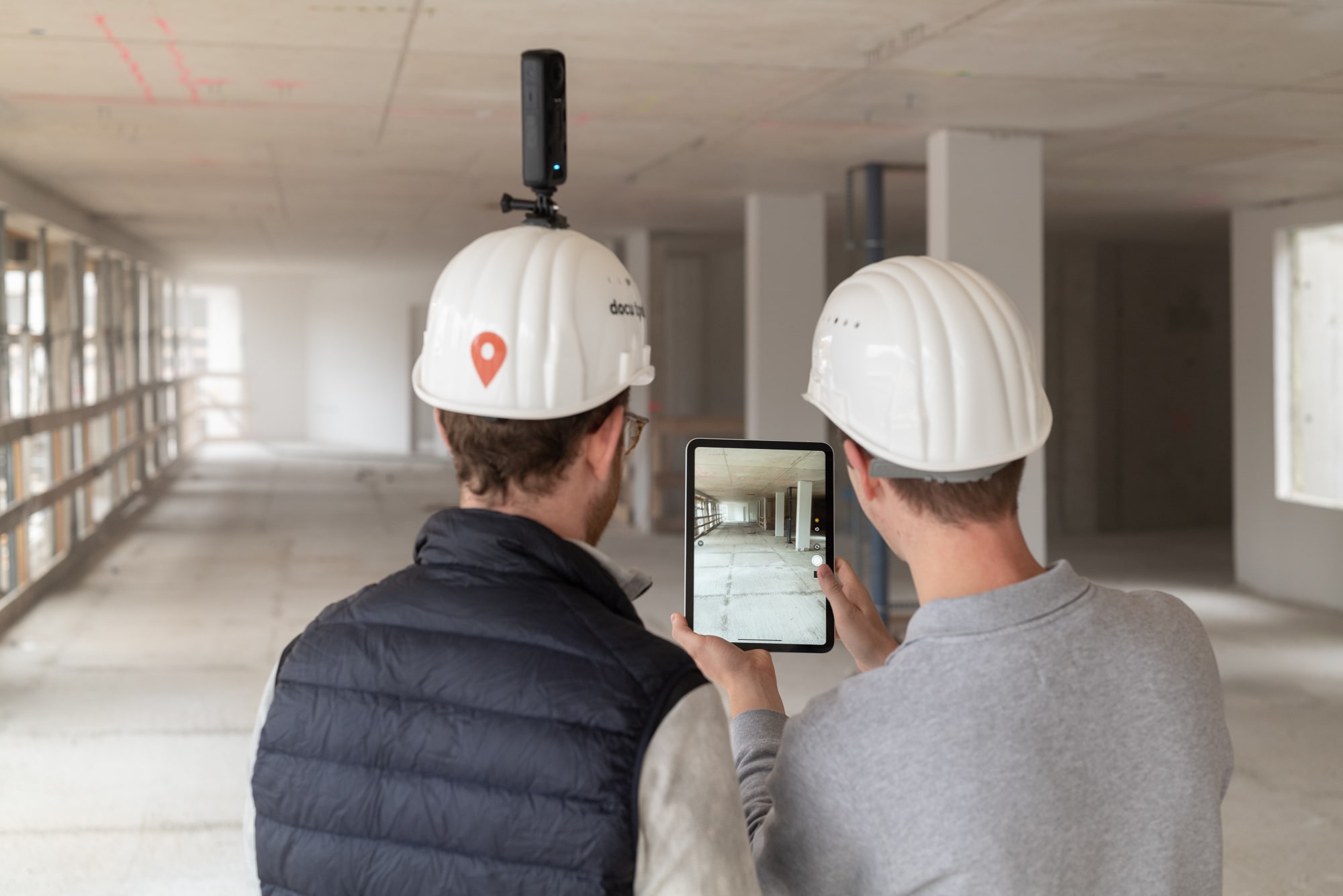
docu tools supports full 360° photos that can be viewed directly within the pin, starting with the Combo package. A pin can be used solely for photo documentation without having to create a task with an assigned person and due date. - Data Management & Deletion
In docu tools, once data has been entered, it cannot be deleted by any user—not even by administrators. Content can be archived, but it is not permanently deleted. Data can only be removed by submitting a formal deletion request to the docu tools team. - Multilingual Support
docu tools is available in 21 languages. The Help Center has been translated into 8 languages, and support is provided in all of these languages. For companies with multilingual teams or projects outside the DACH region, this is a significant difference.
Which tool is best suited for whom?
Capmo
According to its own positioning, Capmo is aimed at construction and project managers in the DACH region who are looking for a comprehensive construction project management system—from the preparation to the completion of a construction project.
Source: capmo.com, May 2026
documentation tools
docu tools is designed for construction site teams whose primary responsibilities include documentation, defect tracking, and task coordination during the construction phase:
- Construction Managers and Project Managers
- Local Building Inspection
- General Contractor
- Specialty Trades (Building Services, Fire Protection, etc.)
- Teams with multilingual employees
- Companies with requirements for VOB-compliant documentation
Conclusion
Capmo and docu tools take different approaches. Capmo is a comprehensive construction project management platform covering the entire project lifecycle in the DACH region. docu tools focuses on the core functions of construction site documentation: defect management, task coordination, and photo documentation during the construction phase.
Both tools can also be used in tandem—Capmo for project-wide management, and docu tools for operational documentation on the construction site.
Which tool is a better fit for your team depends on your specific needs and workflows.
If 123erfasst releases an update or this article becomes outdated as a result, please feel free to contact us—we'll update it.
*According to publicly available information from Capmo, as of May 2026.
Prices, features, and restrictions are subject to change.
The information provided by the respective providers is authoritative. All information is provided without guarantee.