Fire safety documentation that shows what happened and where.
Place pins directly on the fire safety plan. Mark defects, photos, tasks, and documentation exactly where they occur—instead of having to search for them in Excel, WhatsApp, or emails after the inspection.
Pins on. Chaos off.
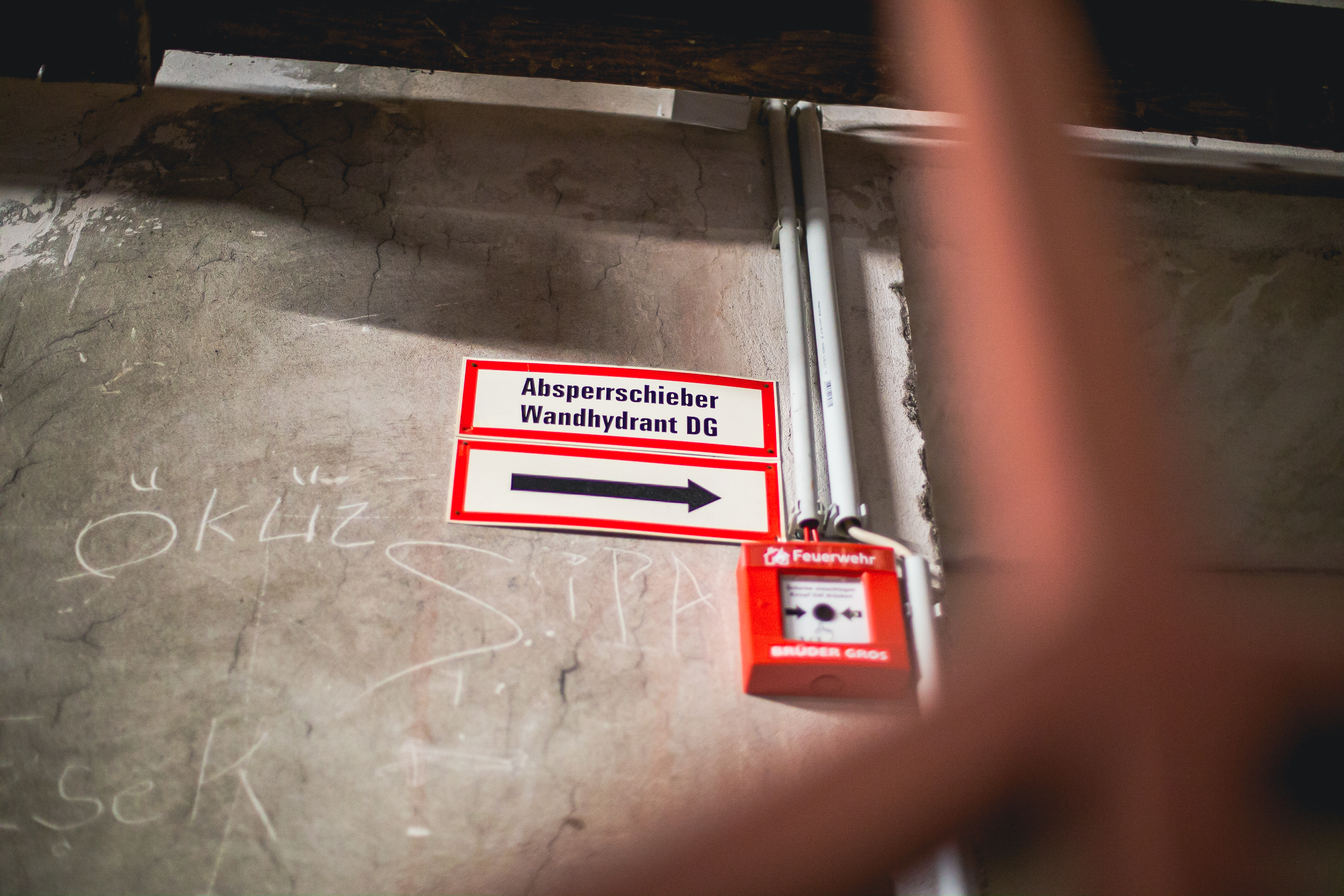
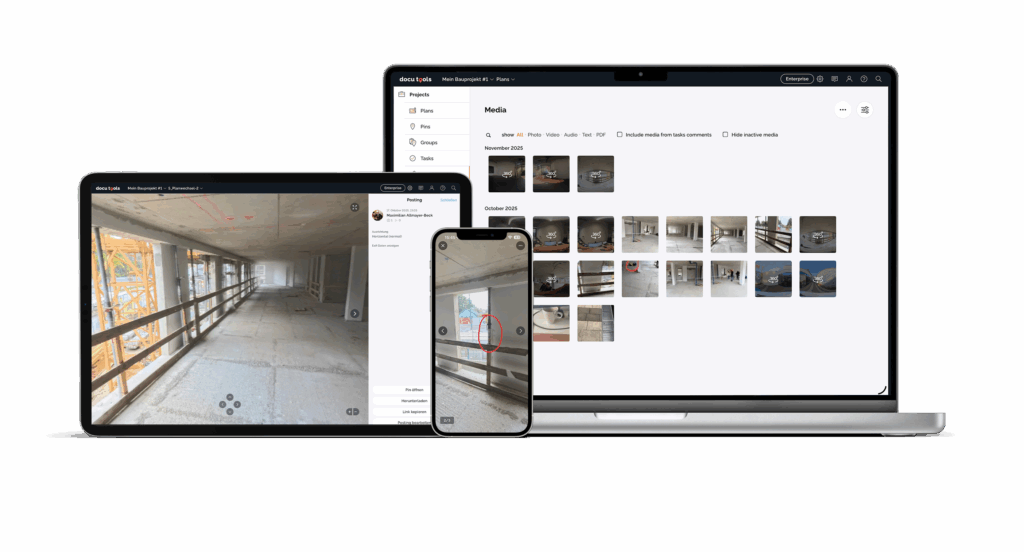
A photo without a map reference is just a picture. A pin is proof.
Fire safety inspections, checks, and maintenance generate a large amount of information. A photo on a smartphone. A note in an email. A task in a chat. An entry in an Excel spreadsheet. Every piece of information can be important—but without a clear location, the context is lost.
With docu tools, every piece of information has its place. A pin on the fire safety plan links the observation directly to the room, system, or component. This transforms scattered communication into clear, traceable fire safety documentation that your team can use in their day-to-day work.
Your plan doesn't miss a thing. Your Excel spreadsheet does.
When fire safety documentation is given a designated location, even in complex properties.
Case Study: Austrian Castle Administration
The Burghauptmannschaft Österreich uses docu tools for the digital documentation of fire safety measures at the Vienna Hofburg. The application was developed as part of the digital documentation of inspections in accordance with ÖNORM B1300 and B1301 and was tailored to the size and complexity of the property.
“Ever since I started using docu tools, I’ve had the entire building—including all its fire safety measures—digitally at my fingertips, giving me insight into every aspect of the facility.”
Michael Sack, Fire Safety Coordinator, Burghauptmannschaft Wien
Project Information
Among other things, the project systematically documents fire safety deficiencies, information pins, smoke and heat exhaust systems, fire-rated doors, fire compartments, and CAD modifications. The case study demonstrates how a plan-based workspace makes complex building information accessible without reducing the plan to a mere background image.
Key Figures
- Projects Launched: 21
- Anchor points set: 5,300
- Tasks created: 1,374
- Photos taken: 2,917
- Percentage of the Vienna Hofburg included in the survey: approximately 60%
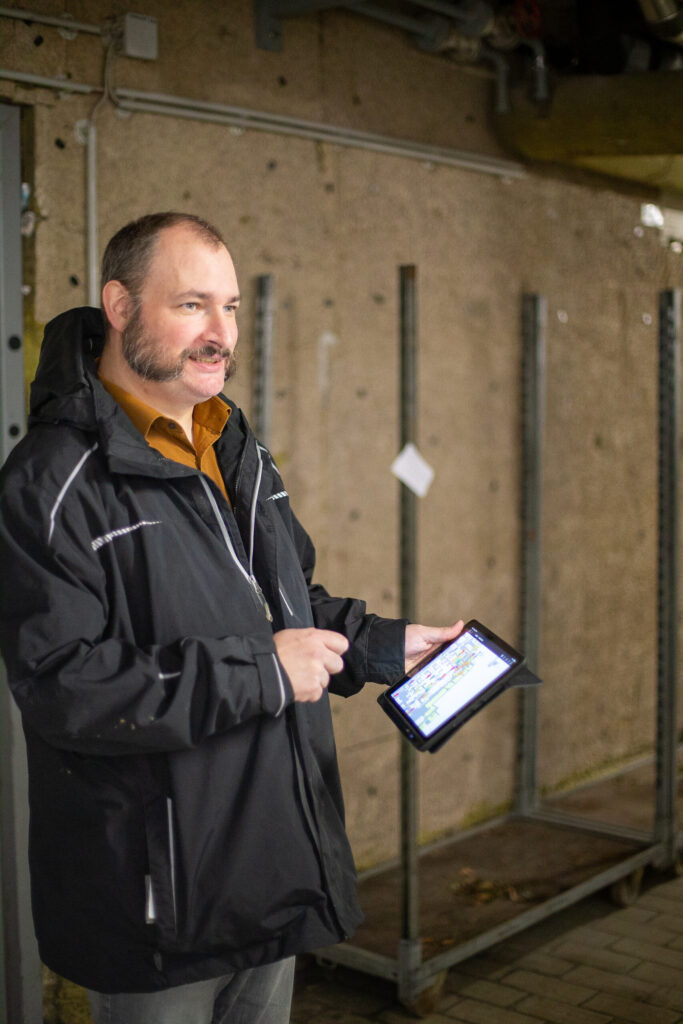
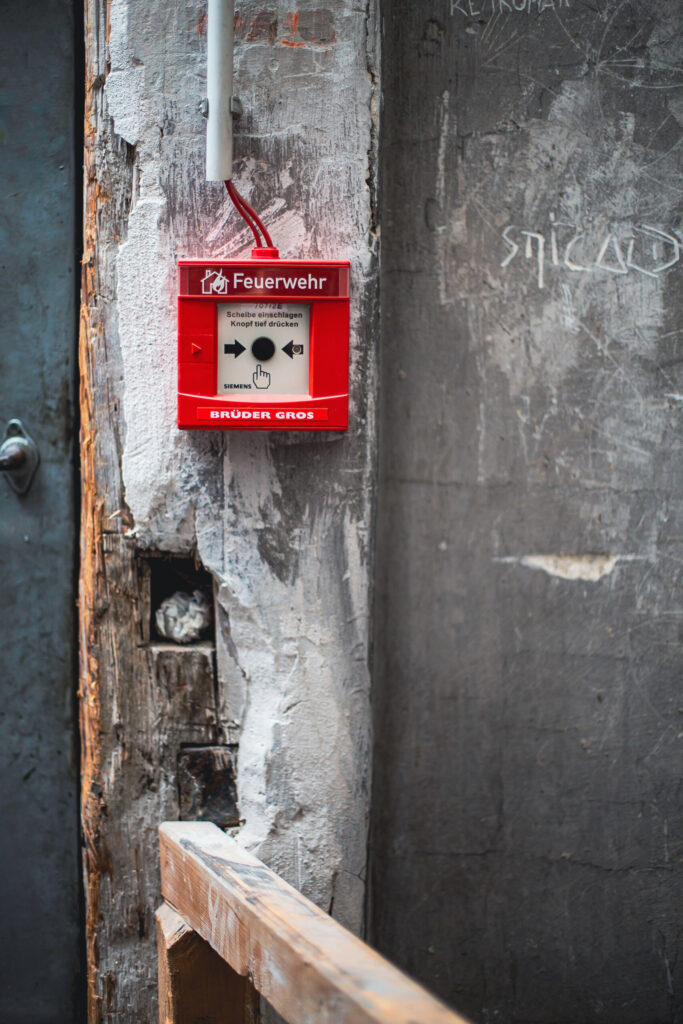
A centralized location for your fire safety documentation—right within the software trusted by construction and engineering firms across Europe.
docu tools isn't designed to replace every specialized aspect of fire safety with yet another complicated module. Instead, it organizes the information your team needs during inspections, site visits, and day-to-day building operations. The floor plan serves as a navigation system for photos, tasks, documents, and reports.
This makes it easy for on-site teams to get started and provides a reliable foundation for people who later need to figure out what was documented and where. WhatsApp is for after work. docu tools is for documentation.








Your fire safety plan becomes the digital record of your property.
More overview. Less effort.
docu tools is a plan-based documentation tool for teams that don’t want to spend time searching for fire safety documentation in the office after the fact. A static plan becomes an interactive workspace: You place a pin, add the appropriate documentation, and keep track of open items, responsibilities, and changes.
Workflow
- Open Plan
Import your fire safety plans and create a shared, visual starting point for your documentation. - Set a pin
Mark a fire safety deficiency, a system, a fire door, a fire compartment, or an information point directly at the correct location. - Save evidence
Add photos, notes, documents, or voice memos to the pin. The context is preserved—even long after the project is complete. - Assign a task
Turn a finding into a clear task. Responsibilities, deadlines, and the task’s status are visible right where the task was created. - Create a report
Export the information relevant to your process, such as open tasks, current defects, or documented changes.
Use Cases
Whether it's regular fire safety inspections, defect management, or maintenance records: docu tools integrates the information into your fire safety plan.
Fire Safety Inspections: Document your findings directly during the inspection—with photos, notes, and precise locations marked on the floor plan.- Fire Safety Deficiencies
Record fire safety deficiencies wherever they occur, and turn each pin into a trackable task. - Fire Safety Inspections
Keep track of inspections and activities in a clear and organized manner, rather than scattering information across various lists and files.
Maintenance and Inspection: Store maintenance and inspection reports for systems and components in the appropriate locations within the building.
Fire Safety Log: Consolidate relevant entries, documents, and supporting evidence in a digital, plan-based workspace.
Your process can be clearly structured for fire doors, smoke and heat exhaust systems, fire alarm systems, fire compartments, and other categories
Document your work on-site—not as overtime in the office.
There is a significantly more efficient way.
Fire safety documentation shouldn’t become an extra task that piles up at the end of the day. With docu tools, you can record information right at the time of the inspection. The plan provides guidance, the pin establishes the reference point, and your team can immediately see what’s pending, completed, or changed—and where.

Clarity Instead of Data Chaos
Each entry is geotagged. This saves time spent searching and makes the information easy to understand for colleagues and external stakeholders alike.
Collaboration Without Loss of Information
Tasks can be assigned and edited directly on the pin. This makes it easy to see what has been completed and what still needs attention.
Evidence that retains its context
Photos, notes, and documents are not stored in isolation in folders. They remain linked to their specific location in the fire safety plan.
Reports That Fit Your Workflow
Compile the information that is relevant to your documentation, internal coordination, or next review.
We're not the ones saying it. Our users are.
Frequently asked questions
Some questions come up again and again. If you cannot find your question, we will be happy to assist you personally—or you can conveniently use our docu bot at the bottom right of the screen.
What is digital fire safety documentation?
Digital fire safety documentation involves systematically recording and retrieving information from site inspections, checks, defects, maintenance, and other fire safety processes. With docu tools, this information is linked directly to the fire safety plan, ensuring that the spatial context is preserved.
How do I document fire safety violations using docu tools?
Can I document fire safety inspections and fire safety checks digitally?
Yes. You can record and categorize findings from fire safety inspections and fire safety checks directly on-site and file them in a way that’s easy to track on the floor plan. Both online and offline modes are available for use on tablets or smartphones.
Is docu tools a specialized fire safety program?
docu tools is a plan-based documentation tool and not a specific fire safety program with its own inspection cycles tailored to standards such as TRVB. It can complement existing fire safety processes and inspection systems by enabling information, tasks, and evidence to be documented digitally and geolocated.
Can I locate maintenance and inspection reports?
Yes. Maintenance and inspection reports can be stored and retrieved in the drawing under the appropriate section, piece of equipment, or component as part of your documentation process.
Can tasks be delegated to external parties?
Yes. In the application described by the Burghauptmannschaft Österreich, external participants with limited roles were also involved in projects and assigned tasks. The specific roles and access rights that make sense should be tailored to your own workflow.
Can I create reports?
Yes. The reporting feature can export relevant information at the click of a button—for example, open tasks, current defects, or logs of documented changes. The layout is customized to meet your documentation needs.